I was inspired to test two open source projects from Trail of Bits:
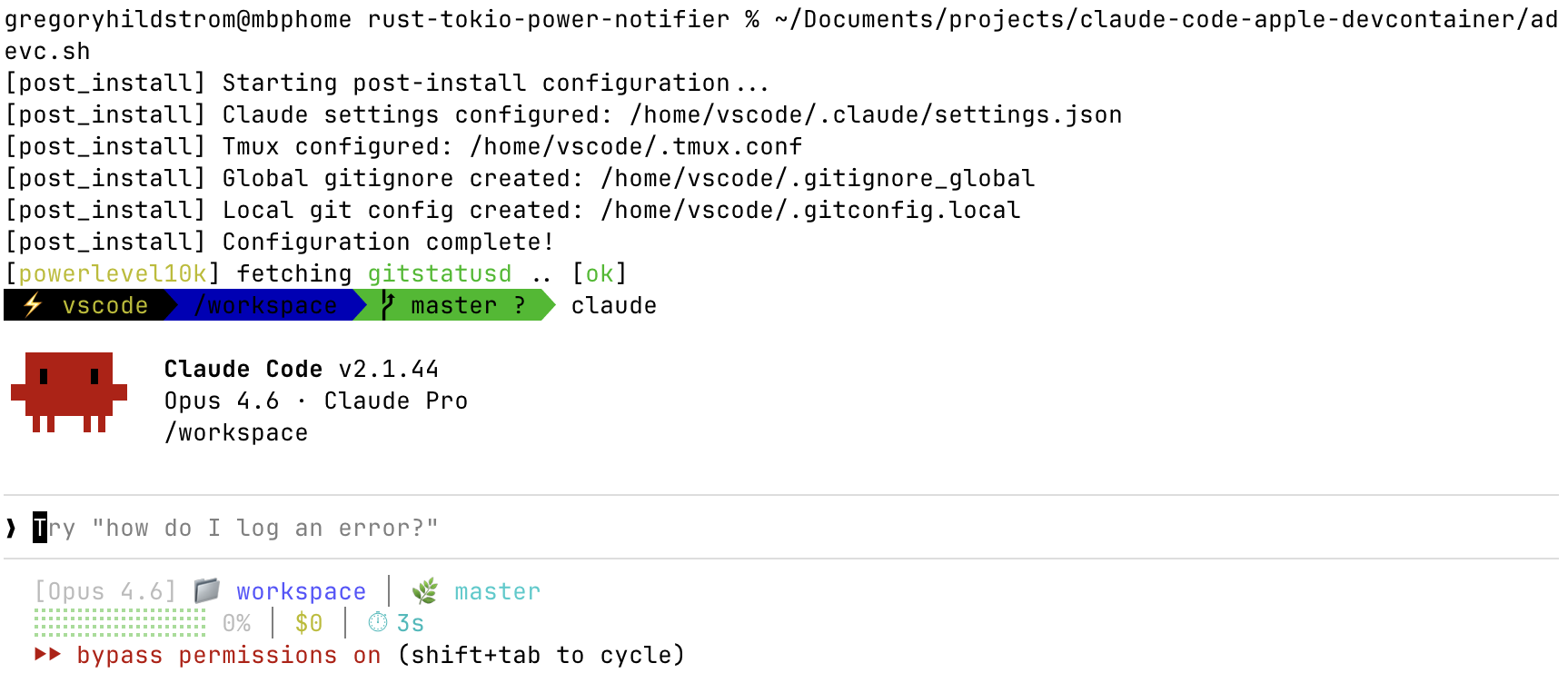
Both projects are very interesting and they incorporate many other open source projects. I was already using Claude Code on my macOS host. Applying the claude-code-config wasn't bad given the nice README and instructions. But trying the corresponding devcontainer was a bit more of a challenge since I'm using Apple's container implementation for Mac (0.9.0 on macOS 26.3) instead of Docker and I'm using Neovim and terminal instead of VS Code.
I have a Claude subscription plan, so I couldn't pass in an API key. I had to login with Claude in a test container, capture the ~/.claude.json file, and then replicate that in my dev containers.
The initial success I had left me with some concerns. The approach in claude-code-config and claude-code-devcontainer does not have any separation between the claude configuration used on the host and the claude configuration used in the devcontainer. That is dangerous, especially when considering it automatically enables bypass permissions. I'd prefer to have a relatively default and safe claude configuration on the host and leave the heavy customization and bypass permissions specific to the devcontainer. That led me to make some changes to the approach to support ~/.claude/ for the host and ~/.claude-adevc/ for the containers.
The work on this page tries to get the spirit of claude-code-devcontainer working with Apple's container implementation. More work would be required to get things perfect and to replicate all of the devc features. But the basics are working well for me.
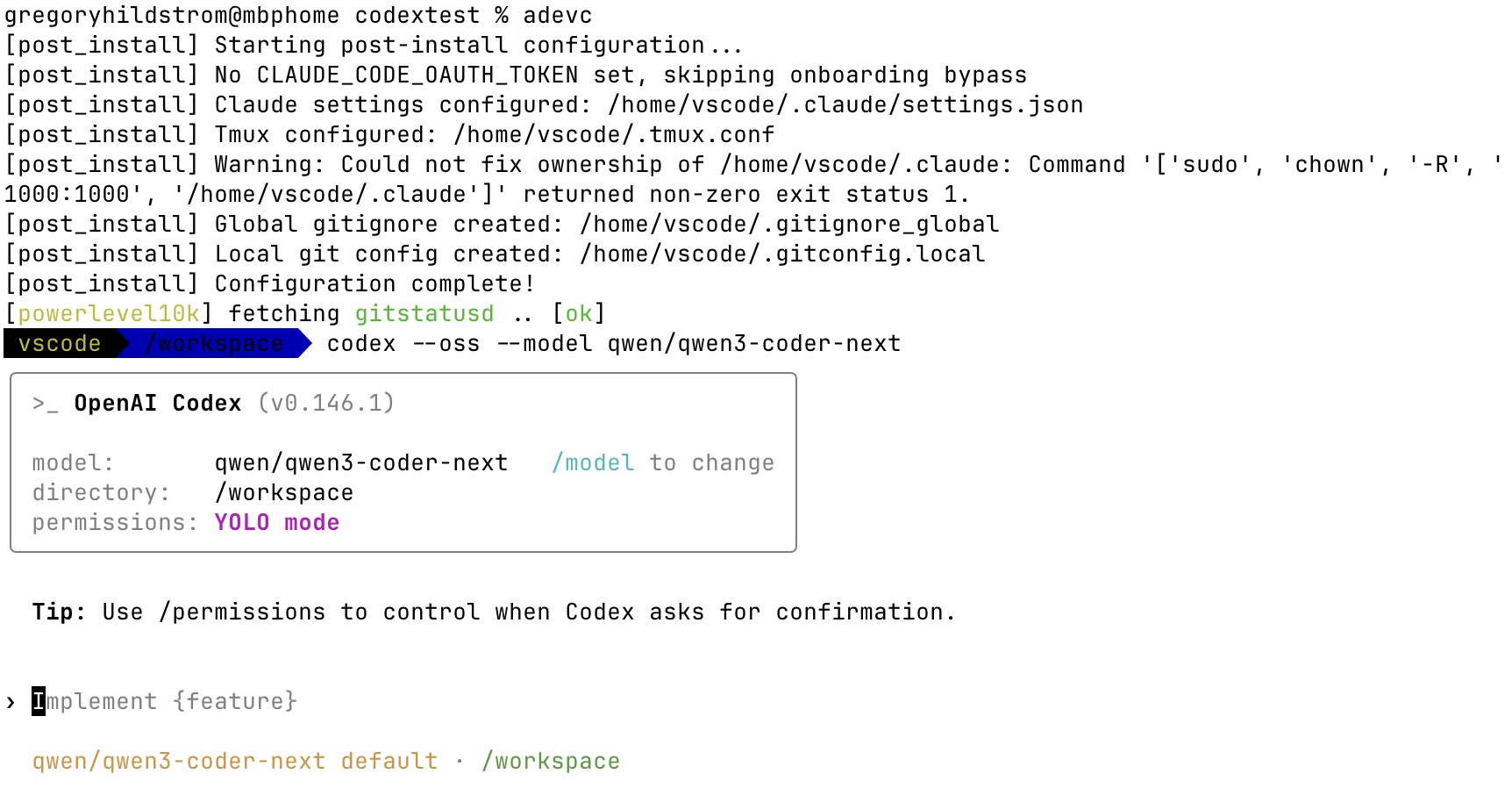
I also got Codex CLI working in subsequent updates. I do not yet have a ChatGPT subscription plan to test with, but I got the Codex CLI working well with my LM Studio models.